Writing tool descriptions models actually follow
The description field is a prompt. Treat it like one, and your agent stops guessing
2 min read ·

When an agent picks the wrong tool, or calls the right one with nonsense arguments, the first place to look is not the model. It is the tool description. The model has nothing else to go on: the name, the description and the input schema are the whole of its instructions.
Say when, not just what
A description that only restates the name gives the model nothing to decide with. Add one line on when to use the tool and one on when not to.
“Search the order database by customer email. Use before refunding. Do not use for product questions.” beats “Searches orders.”
The second version reads like documentation for a person. That is exactly the point: write it for a smart new colleague who has never seen your system.
| Weak description | Strong description |
|---|---|
| Gets weather | Current weather for one city. Use for questions about today. For forecasts, use get_forecast. |
| Sends a message | Sends an email to one customer. Only after the user has confirmed the text. Never for internal staff. |
| Database query | Looks up an order by its id (like ORD-1042). Returns status, items and total. |
Name inputs like a human would
Prefer customer_email over q. Add an example value in the schema description; models copy formats they see.
{
  "name": "find_orders",
  "description": "Find a customer's orders by email. Use before refunds or delivery questions.",
  "input_schema": {
    "type": "object",
    "properties": {
      "customer_email": { "type": "string", "description": "Exact email, e.g. asha@example.com" },
      "since": { "type": "string", "description": "Optional start date, YYYY-MM-DD" }
    },
    "required": ["customer_email"]
  }
}
Make errors teach
Return “start_date must be after today (got 2026-11-01)” instead of a stack trace. The model reads the error and fixes its next call. A crash, a timeout or an empty response teaches it nothing, and it will often try the same thing again.
- Say what was wrong.
- Show the value you received.
- Say what a correct value looks like.
Keep the toolbox small
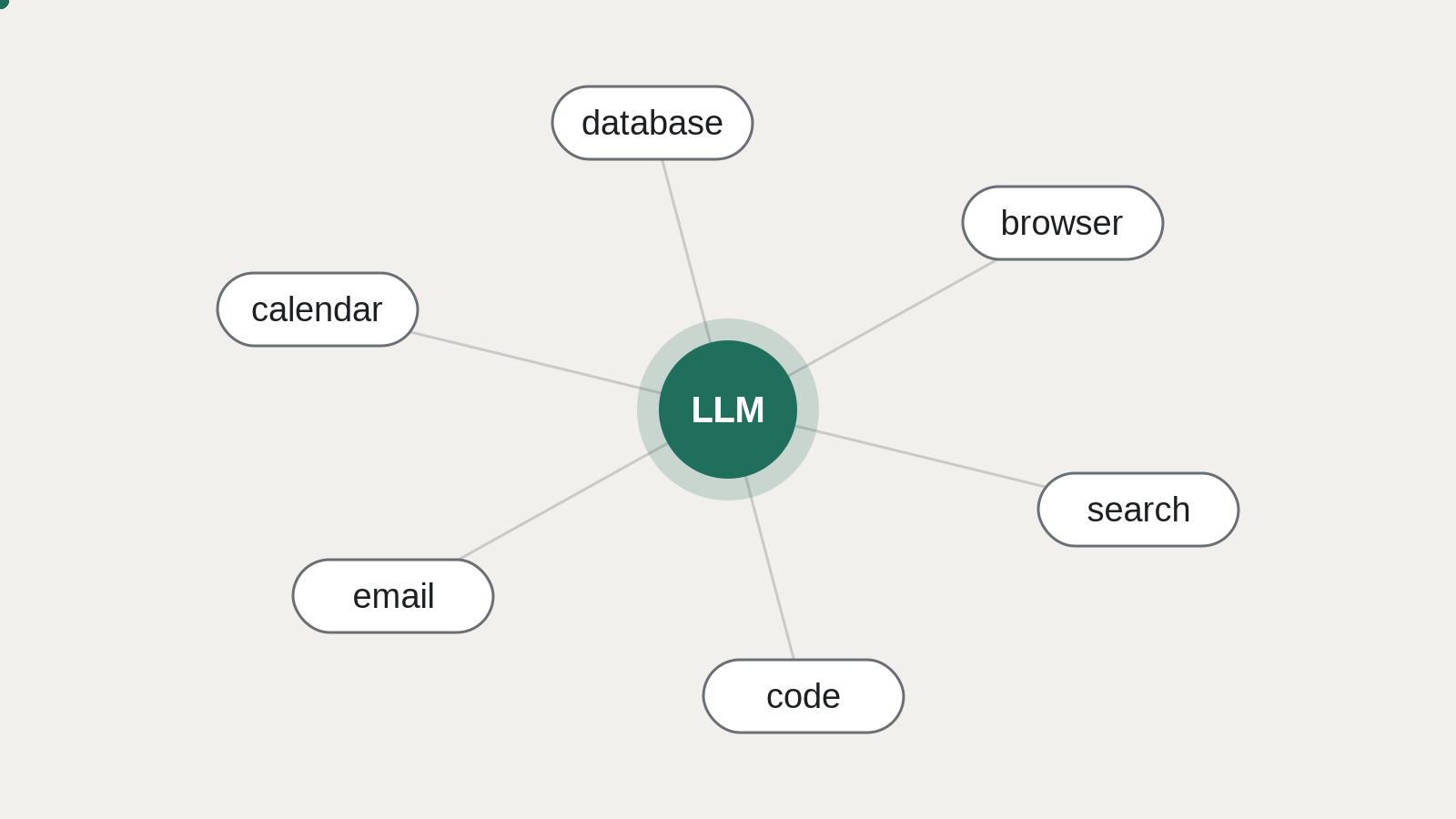
Every extra tool is another choice the model can get wrong. If two tools overlap, merge them or make the boundary explicit in both descriptions. Ten sharp tools beat forty fuzzy ones.
Test descriptions like code
Keep a handful of example requests and check which tool the agent picks for each. When you edit a description, run them again. Small wording changes can move behaviour more than you expect, in both directions.


Responses