AI agents, explained by building one
What happens between “do this for me” and the task getting done: the loop, the tools, the memory and the guardrails
3 min read ·
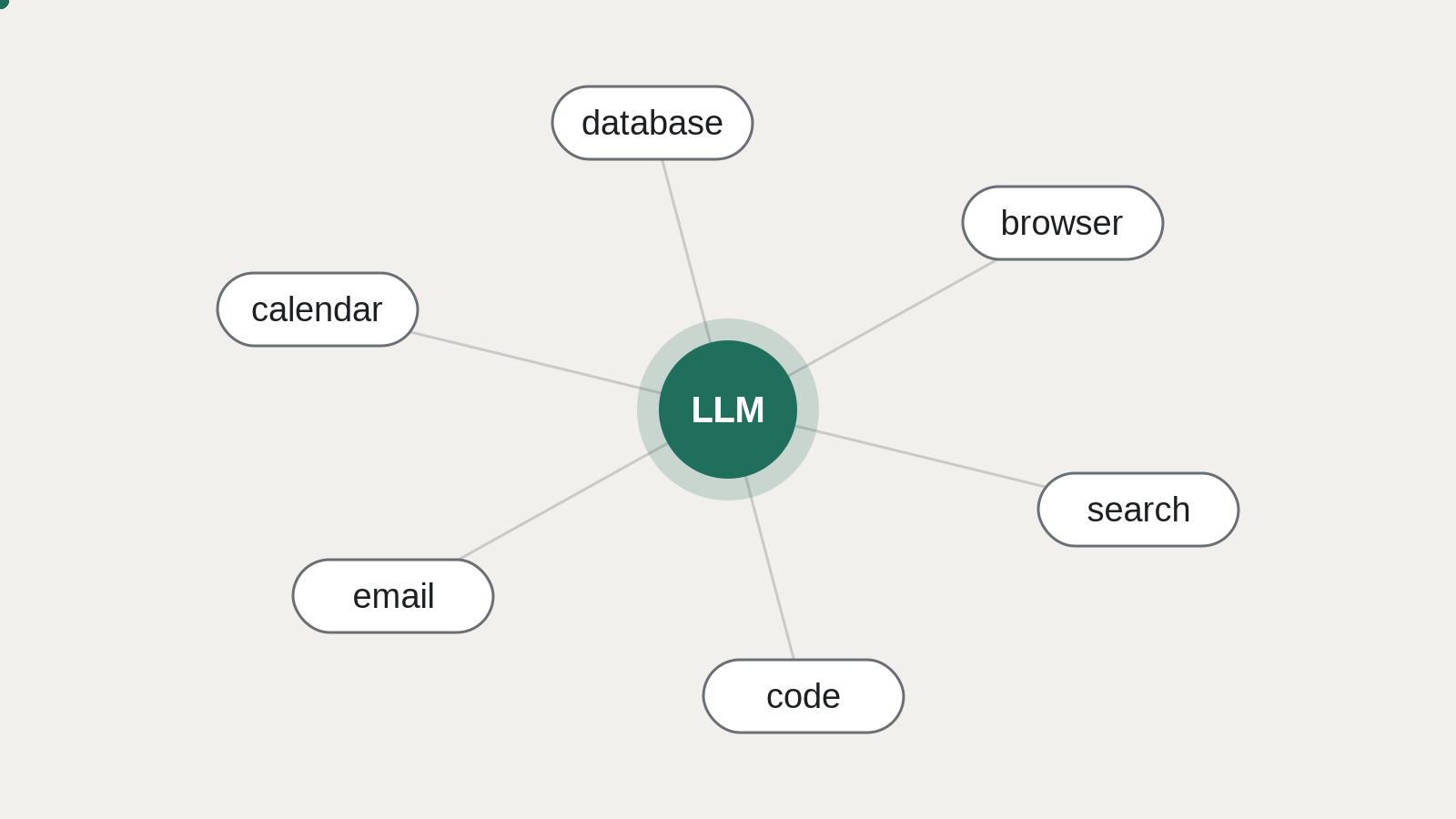
What an agent is
A chatbot answers. An agent acts. Give a language model a goal, a set of tools it may call, and permission to keep going until the goal is met, and you have an agent. The model decides which step comes next; your code carries the step out and reports back.
That small shift, from one reply to many self-chosen steps, is why agents can book a meeting, fix a failing test or reconcile two spreadsheets without a person typing each instruction.
An agent is a model running tools in a loop, deciding for itself when the work is done.
The agent loop
Every agent, however elaborate, runs the same four-beat cycle:
- ObserveRead goal, history, results
- ThinkModel plans the next step
- ActCall a tool with arguments
- ReflectCheck result, stop or repeat
In code, the loop is short. Most of the real work lives in the tools and in the stopping rule.
while True:
    reply = model.respond(messages, tools=TOOLS)
    if reply.stop_reason != "tool_use":
        return reply.text          # goal met
    for call in reply.tool_calls:
        result = run_tool(call.name, call.args)
        messages.append(tool_result(call.id, result))
Tools: how agents touch the world
A tool is a function with a name, a description and a JSON schema for its inputs. The model never runs code itself; it asks for something like search_flights(from="BLR", to="KUL") and your program runs it.
Good tool design
- One job per tool.
send_emailbeatsdo_communication. - Descriptions are prompts. Say when to use the tool and when not to.
- Return errors as text. The model can recover from “date must be in the future”; it cannot recover from a crash.
The quality of an agent is mostly the quality of its tools.
Memory and context
The model only knows what is in its context window right now. Agents fake a longer memory in three layers:
| Layer | Lives in | Lasts | Example |
|---|---|---|---|
| Working | Message history | One task | Tool results so far |
| Episodic | Summaries, logs | Across sessions | “Last week we fixed auth” |
| Semantic | Search index, files | Indefinitely | Company docs, preferences |
When the history grows too long, compact it: summarise old turns and keep recent ones word for word. Retrieval brings back only the documents that matter for the current step.
Planning and multi-agent systems
For long tasks, an agent first writes a plan, then works through it, revising as results come in. Bigger systems split the work across agents: an orchestrator breaks the goal into pieces and hands each to a worker with a clean context, then merges what comes back.
- The orchestrator reads the goal and drafts subtasks.
- Workers run in parallel, each with only the tools it needs.
- The orchestrator checks the results and decides whether to finish or retry.
Splitting helps when the pieces are independent. When they share a lot of state, one agent with a good plan is usually faster and cheaper.
Guardrails and evaluation
An agent that can act can also act wrongly. Production agents put limits around the loop:
- Step and cost budgets, so a confused agent cannot loop forever.
- Human approval before anything that cannot be undone, like payments or deletes.
- Sandboxes for running code and touching files.
- Treat tool output as data, never as new instructions, to resist prompt injection.
Then measure. Keep a set of real tasks with known good outcomes and run the agent against them on every change. Track the success rate, the steps taken and the cost per task.
Where to start
Begin with one tool and one well-defined task. Log every step. Add tools only when the logs show the agent needs them. Most failed agent projects tried to be general on day one; most successful ones started narrow and earned their autonomy.



Responses